
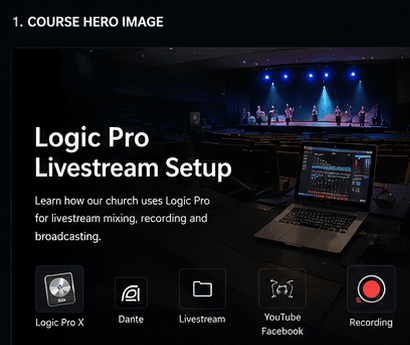
Logic
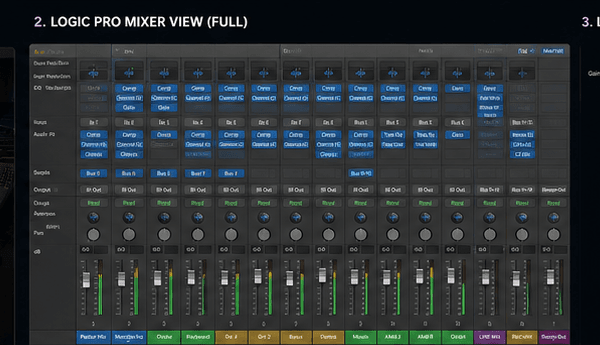
Logic Pro Mixer View
Full mixer reference for channel strips, sends, outputs, meters and livestream grouping.
logic session templatelogic vocal clarityfoh vs stream
Next Visual Phase
A more visual, church-specific Logic livestream academy page using the new VBCI training asset pack, real template metadata and source-backed workflow references.
Sound Academy
Learn how this church routes X32 audio through Dante into Logic Pro, builds a livestream mix, checks buses, records safely and delivers to YouTube or Facebook.
Template
NLS Broadcast Template
Tracks
43
Audio
48 kHz
Training
15 lesson path
Full mixer reference for channel strips, sends, outputs, meters and livestream grouping.
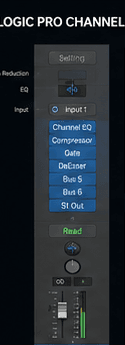
Close-up strip showing plugin order, sends and output assignment.
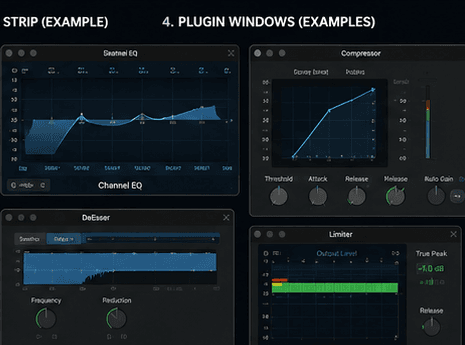
Visual reference for EQ, compressor, de-esser and limiter plugin windows.
Confirm DVS, sample rate, subscriptions and Logic input meters before plugins.
Use named inputs, speech/vocal/choir/worship auxes, output routing and dated session saves.
Apply purpose-first processing: dynamic EQ, compression, de-essing, bus control and safe limiting.
Compare phone, headphones, laptop and TV-style playback before trusting the stream mix.
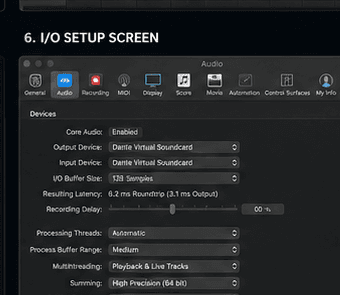
Teach DVS input/output device selection, buffer size and latency awareness.
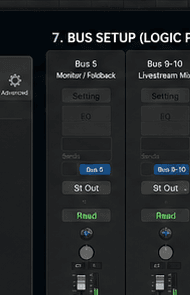
Show monitor, feedback, livestream mix and record mix bus assignments.
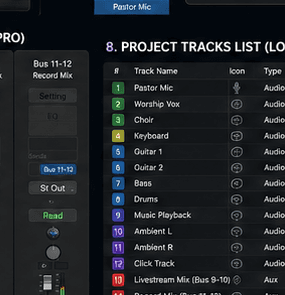
Teach approved input naming: pastor, worship vox, choir, instruments, click and mix buses.
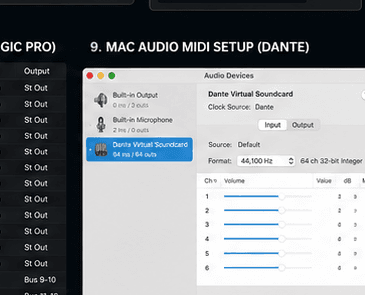
Visual check for Dante Virtual Soundcard in macOS Audio MIDI Setup.
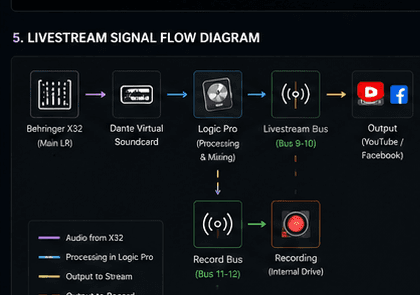
Show X32 to Dante Virtual Soundcard, Logic processing, livestream bus, record bus and platform output.
Signal Flow Mission
Behringer X32 sends the livestream feed
Dante Virtual Soundcard receives network audio
Logic Pro processes and mixes
Bus 9-10 feeds livestream
Bus 11-12 feeds recording
Environment Assets
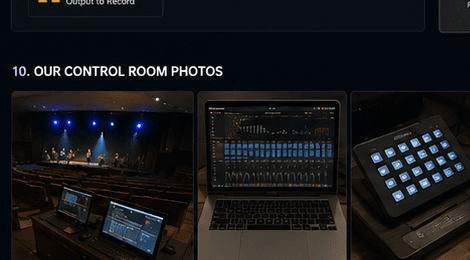
Show real room context: laptop, console, controller and stage view.
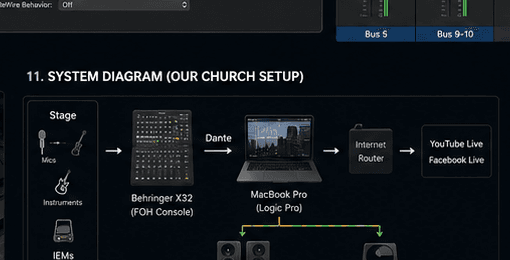
Show stage to X32, Dante, MacBook Pro and livestream outputs.
Icon visual language for mixer, computer, mic, instruments, stream and recording concepts.
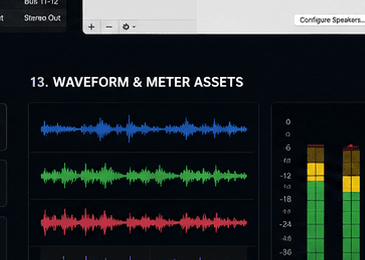
Use as the visual base for A/B listening and level-meter training.
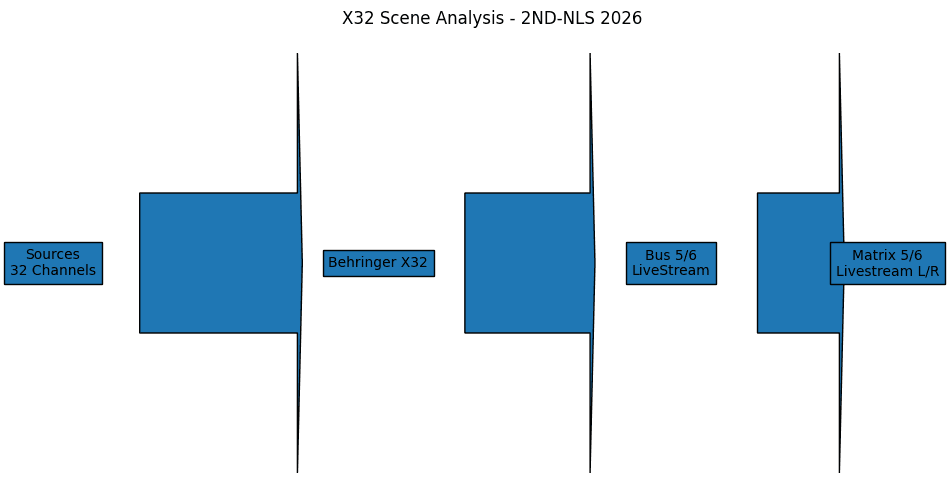
Scene-analysis diagram for 2ND-NLS 2026: sources, X32, buses 5/6 and matrices 5/6.
Every Logic lesson should begin with what the operator sees in the actual template.
FX and gain lessons need A/B listening prompts, waveform references and meter behavior.
Each image must say where it came from and which lesson or checklist it supports.